 CarviLabs
CarviWings
Getting Started
From the download to the first flight in four steps.
1. Install It
Download the latest Windows build from the releases page and run it. Two files are published with every release:
- Setup installer: the ordinary installation, with a start menu entry.
- Portable executable: one file that installs nothing and can be carried on a stick.
Neither executable is code-signed, so Windows reports an unknown publisher: choose More info and then Run anyway. Windows x64 is the only build published; macOS, Linux and the browser fly the same simulator from the source, covered further down.
2. Get a Cesium ion Token
The first screen asks for a Cesium ion access token. It is free and takes about a minute. Without one there is no world to fly over.
- Create a free account at ion.cesium.com/signup. The Community plan covers personal, non-commercial use and asks for no card.
- Open ion.cesium.com/tokens. A new account already has a Default Token, which is enough to fly on. To make your own instead, press Create token and give it access to Cesium World Terrain and Bing Maps Aerial imagery.
- Click the token to copy it. It is a long string in three blocks separated by full stops, starting with eyJ.
- Paste it into the field on the first-run screen and press Save token.
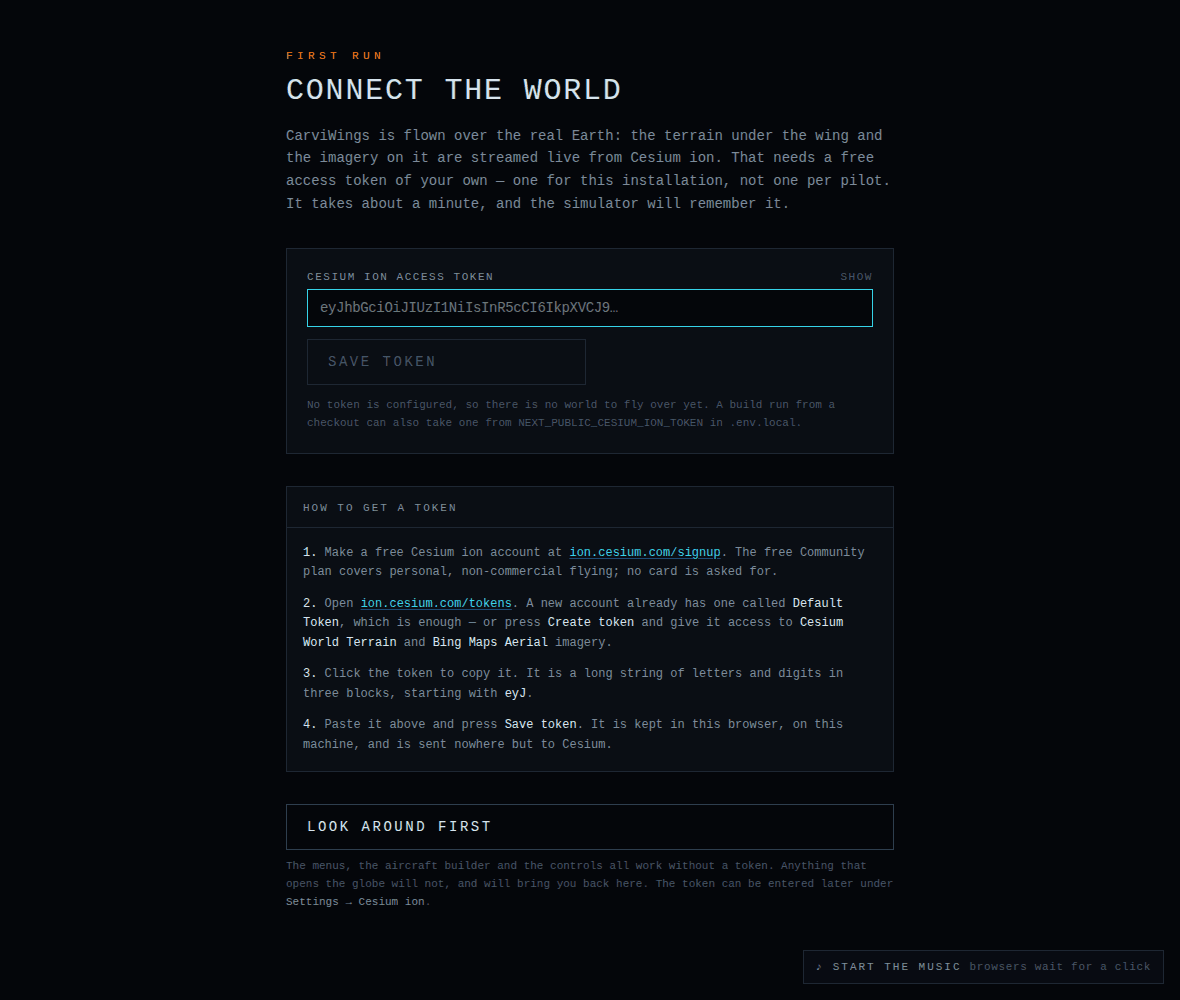
The token is remembered in the browser's local storage, is sent only to Cesium, and is never written into a pilot backup. One token serves the whole installation. It can be replaced or forgotten later under Settings → Cesium ion.
3. Pick a Callsign
The second screen asks for a callsign. Settings, key layout, controller calibration and every logged flight belong to that pilot. More pilots can be added later from Pilot on the main menu.
4. Fly
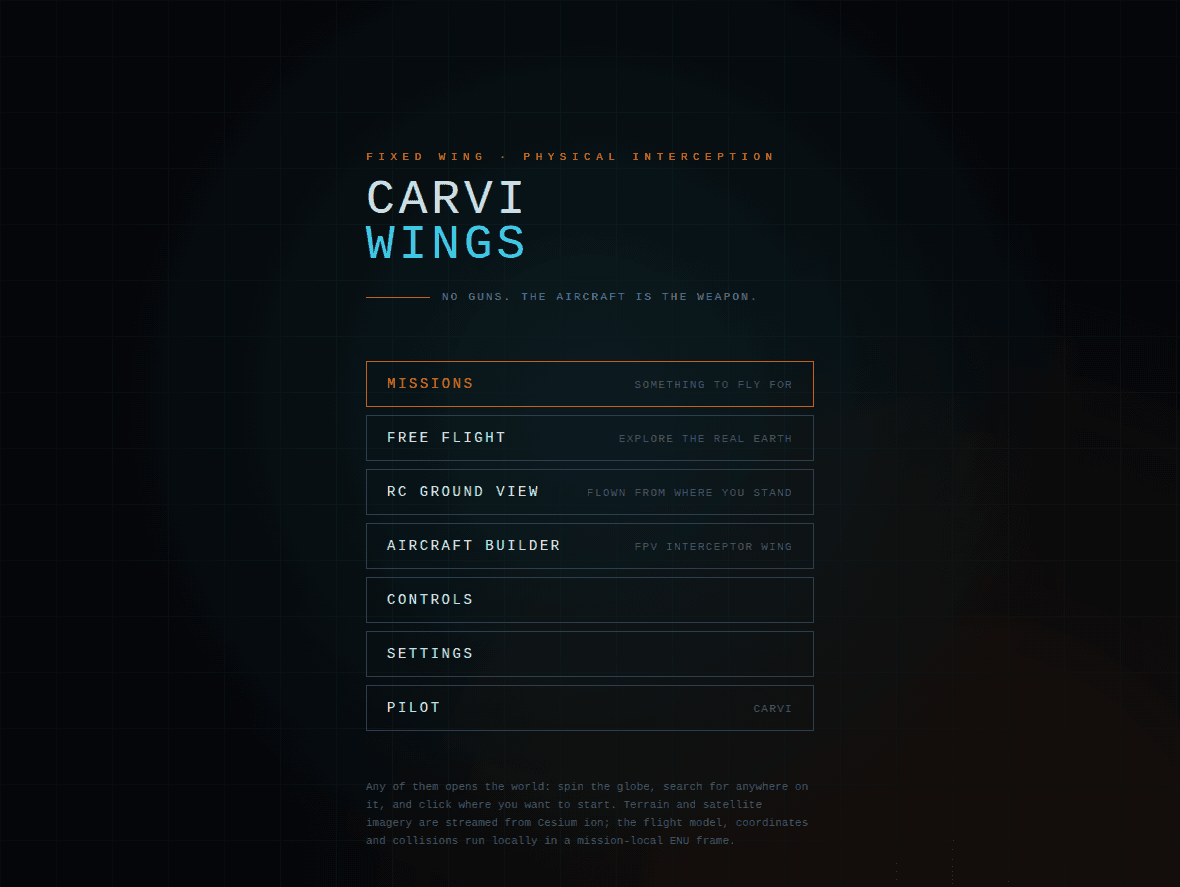
Free Flight on the main menu is the shortest route into the air: click anywhere on the globe, set a height and a heading, and go. The missions, the aircraft builder, the controls and the settings sit beside it.
Flying is aerodynamic rather than arcade: bank and pull to turn, and keep the airspeed up or the wing stalls. Game pads, USB joysticks and RC transmitters in game-pad mode work alongside the keyboard, and whichever input moved last has control.
macOS, Linux and the Browser
Only Windows is published as a build. Everywhere else runs the same simulator from the source, which needs Node.js 20.9 or newer, npm and git:
git clone https://github.com/CarviFPV/CarviWings.git
cd CarviWings
npm install
npm run dev                    # http://localhost:3000
Open the address and the application asks for the same Cesium ion token and callsign as above. The first start also stages CesiumJS, so it takes a few seconds longer than the ones after it.
The Full Manual
Controls and controllers, the modes, the hangar, the aircraft builder, the weather system, the video link, the HUD, pilots and backups and every setting are covered in the manual in the repository.